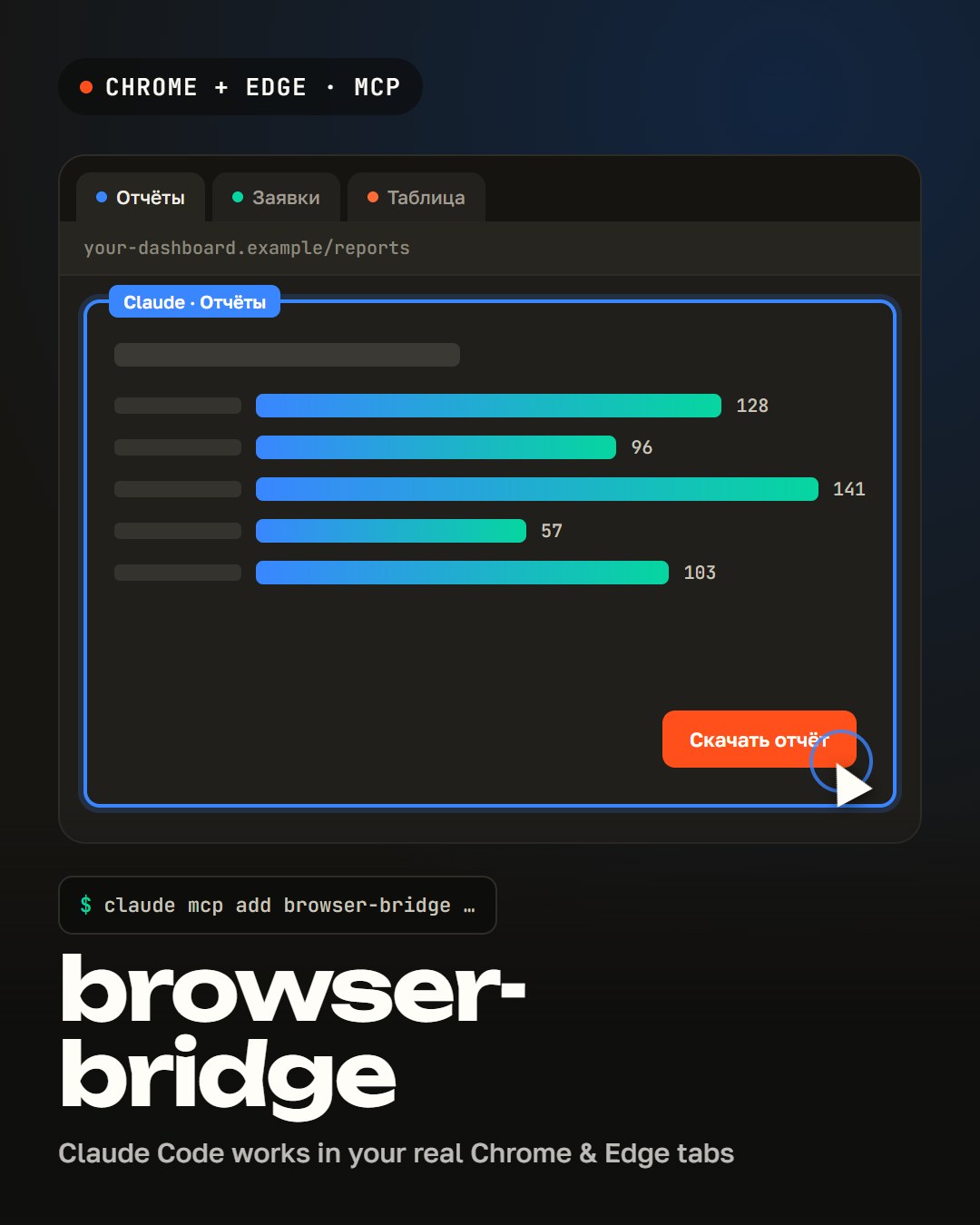
- Claude does browser work for you: finds, fills in, cross-checks and collects data while you do something else.
- In every Chrome and Edge profile you have: work, personal, client — no signing in again.
- Several tasks at once: each Claude session works in its own tabs and never gets in the others' way.
- Nothing hidden: the agent's tab gets a coloured frame and a cursor shows where it clicks.
What it does for you
AI assistants usually get a separate "empty" browser where you aren't signed in anywhere. browser-bridge connects Claude Code to your real browser: dashboards, admin panels, mail, spreadsheets — everything you're already logged into. You describe the task in plain words — "open the dashboard, export last week's report and send me the totals" — and Claude does it in a background tab and shows you screenshots. I use it myself in 23 of my work threads.
What you get
- The extension for Chrome and Edge.
- A one-file server app for Windows (no Python needed) plus its source code.
- A step-by-step guide in English and Russian: connect it to Claude Code with one command.
Who it's for
Social media managers and agencies juggling many accounts across profiles, business owners who want to hand off routine work in web dashboards, and anyone already using Claude Code.
What you need
- Windows 10 or 11.
- Google Chrome and/or Microsoft Edge.
- Claude Code on a paid Claude plan.
FAQ
Is it safe? The server runs only on your computer and lets Claude in with a personal key. Its instructions tell Claude to handle passwords, payments and sending messages only with your consent — but keeping an eye on the tasks is still up to you.
How many profiles and tasks at once? Every profile with the extension installed. Each Claude session claims its own tabs and leaves the rest alone.
Windows or Mac? Windows only.
Something broke, or need a new version? Message me at t.me/DoniSydyk. Updates go up here.
Can I use it for clients? Yes, for your own and client projects. Reselling is prohibited.
The honest part
- Without Claude Code the extension does nothing.
- You install the extension manually in developer mode; it isn't in the Chrome Web Store. While an agent is in a tab, the browser may show a yellow "debugging" bar; the guide shows how to hide it.
- Claude won't get past captchas or sites that forbid automation.
- The extension panel is in Russian.
browser-bridge — Claude Code works in your own browser
More tools

Claude Code skills
flat3d-shorts — cartoon Shorts made in code
A Claude Code skill for viral cartoon Shorts in the “flat sticker characters inside a real 3D world” style — no video AI, everything is code.
Extensions & utilities
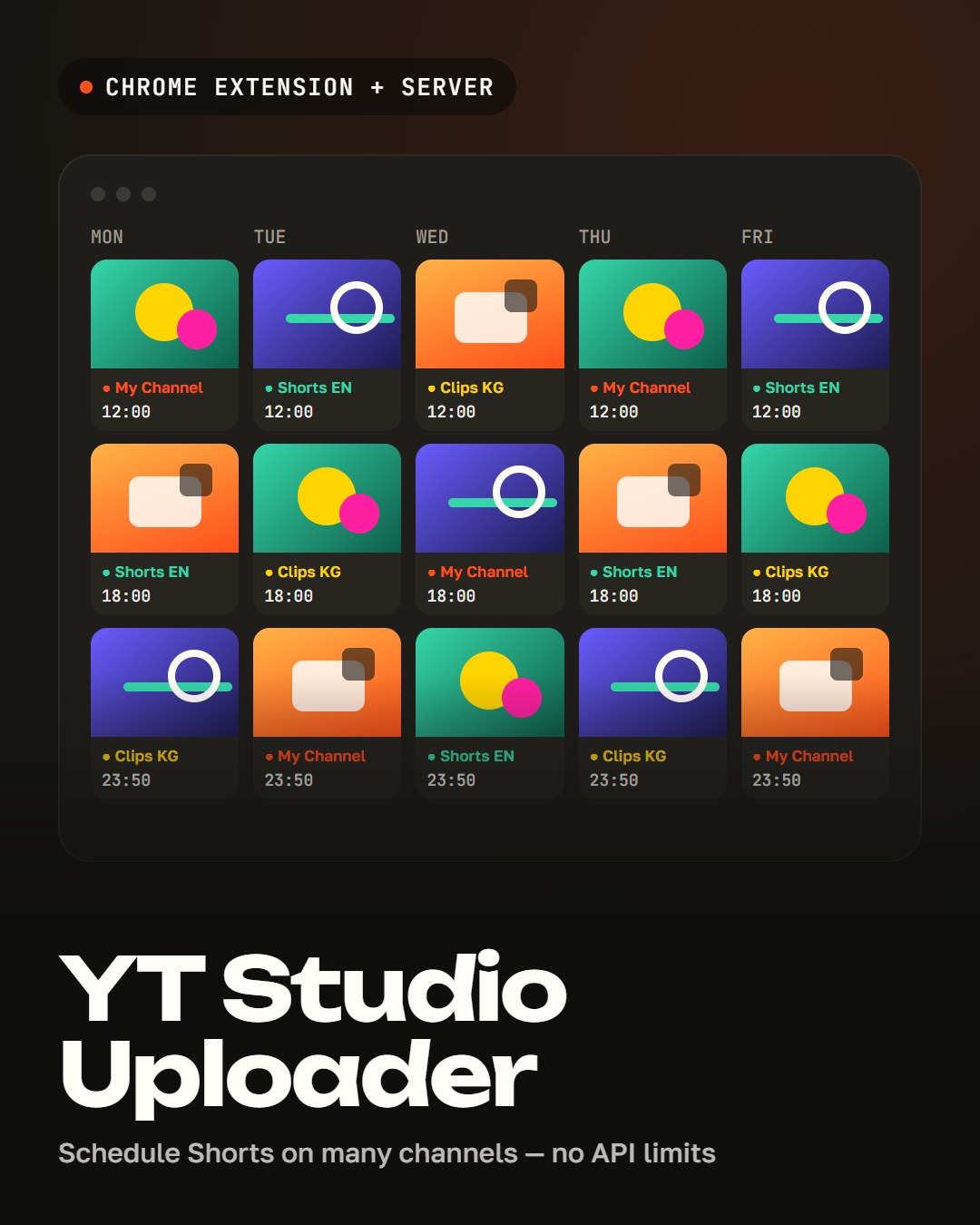
YT Studio Uploader — scheduled uploads to many channels
Chrome extension + local server: upload and schedule videos through YouTube Studio across all your channels and profiles. No YouTube API and none of its limits.

3D pipelines
Ball Tower Drop — a Blender pipeline for satisfying loops
One command — a finished 3D Short: a tower of balls drops onto a grid, seamless loop, original sound. Blender runs headless, no manual work in the UI.