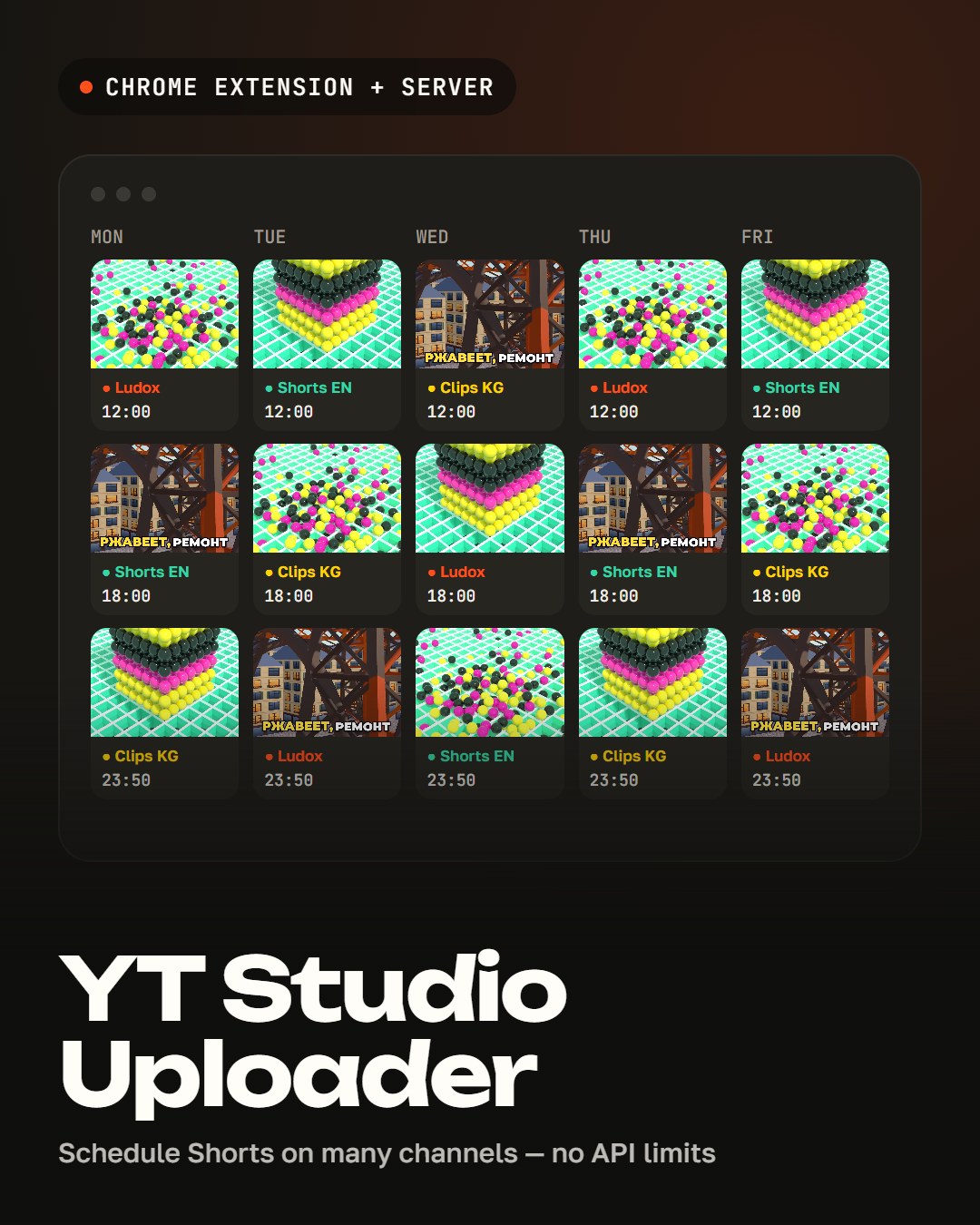
What it does
The extension works with your own Google sign-in, right inside YouTube Studio: it opens Studio in a tab, picks the right channel, uploads the file, fills in the fields and schedules the release. No YouTube API or keys — so no API quota, the reason most auto-posting services can only upload a few videos a day.
- Many channels and profiles. Install it in every Chrome profile; the server sends each job to the profile that has the channel and even opens a closed profile. Brand channels and channels where you're a manager work too.
- Folder → schedule. All videos in a folder are spread across time slots (e.g. 12:00 and 23:50); title and description come from a text file next to each video. CSV plan import.
- Publishing via Studio's own scheduler with checks: before scheduling it waits for the copyright check and, if there's a claim, stops the release and tells you.
- Everything from the upload dialog: thumbnail, playlists, the “altered content” flag, “not made for kids”, tags.
- Channel management: video list with views, editing title, description, visibility and thumbnail, deletion with confirmation.
- Comments: replies, hearts, posting as the channel, pinning (where YouTube allows it).
- Title A/B tests for long videos with automatic winner selection on the chosen day.
- Release calendar (week/month) with drag-to-reschedule, duplicate protection, queue shifting when YouTube's daily limit hits, error alerts to Telegram.
- Channel analytics: views, watch time, average % viewed, Shorts feed impressions and how many viewers didn't swipe away, subscribers.
What you get
- The Chrome extension (a folder to install).
- The
yt-studio-bridge.exeserver — a single file, no Python needed; Windows autostart with one command. - A user guide and a command/HTTP API reference (in Russian).
What you need
- Windows and Google Chrome; signed in to YouTube in the Chrome profiles you use.
- At release time the computer must be on and Chrome running.
The honest part
- The extension drives the Studio interface. When YouTube changes Studio, something may stop working until the extension is updated — I maintain it for my own channels.
- It doesn't bypass YouTube's rules or its daily upload limits — it just removes the API-service limit.
- It's not in the Chrome Web Store: you install it “unpacked” in developer mode (instructions included).
- Changing channel permissions requires typing your Google password by hand — that's how YouTube designed it.
YT Studio Uploader — scheduled uploads to many channels
More tools

Claude Code skills
flat3d-shorts — cartoon Shorts made in code
A Claude Code skill for viral cartoon Shorts in the “flat sticker characters inside a real 3D world” style — no video AI, everything is code.
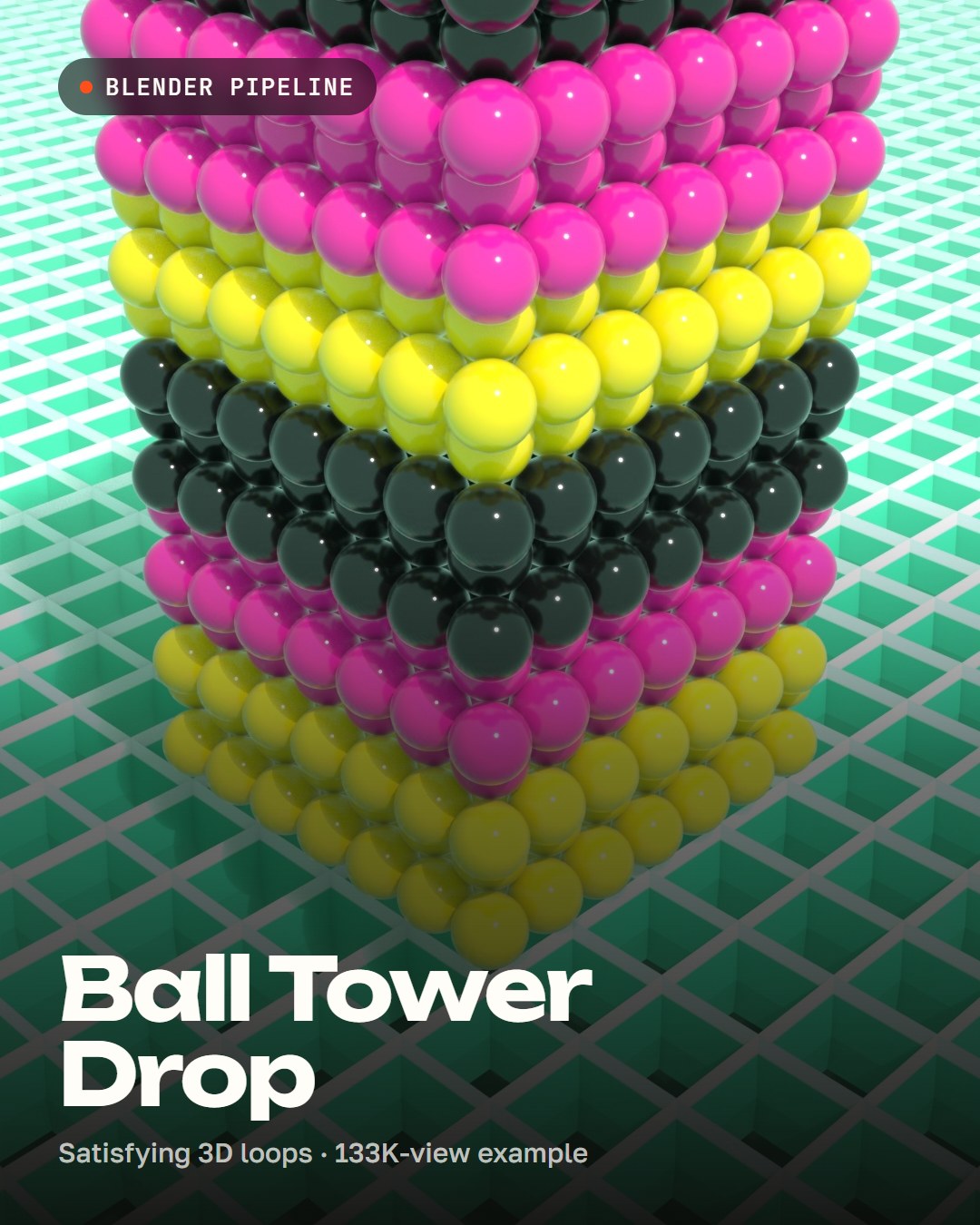
3D pipelines
Ball Tower Drop — a Blender pipeline for satisfying loops
One command — a finished 3D Short: a tower of balls drops onto a grid, seamless loop, original sound. Blender runs headless, no manual work in the UI.
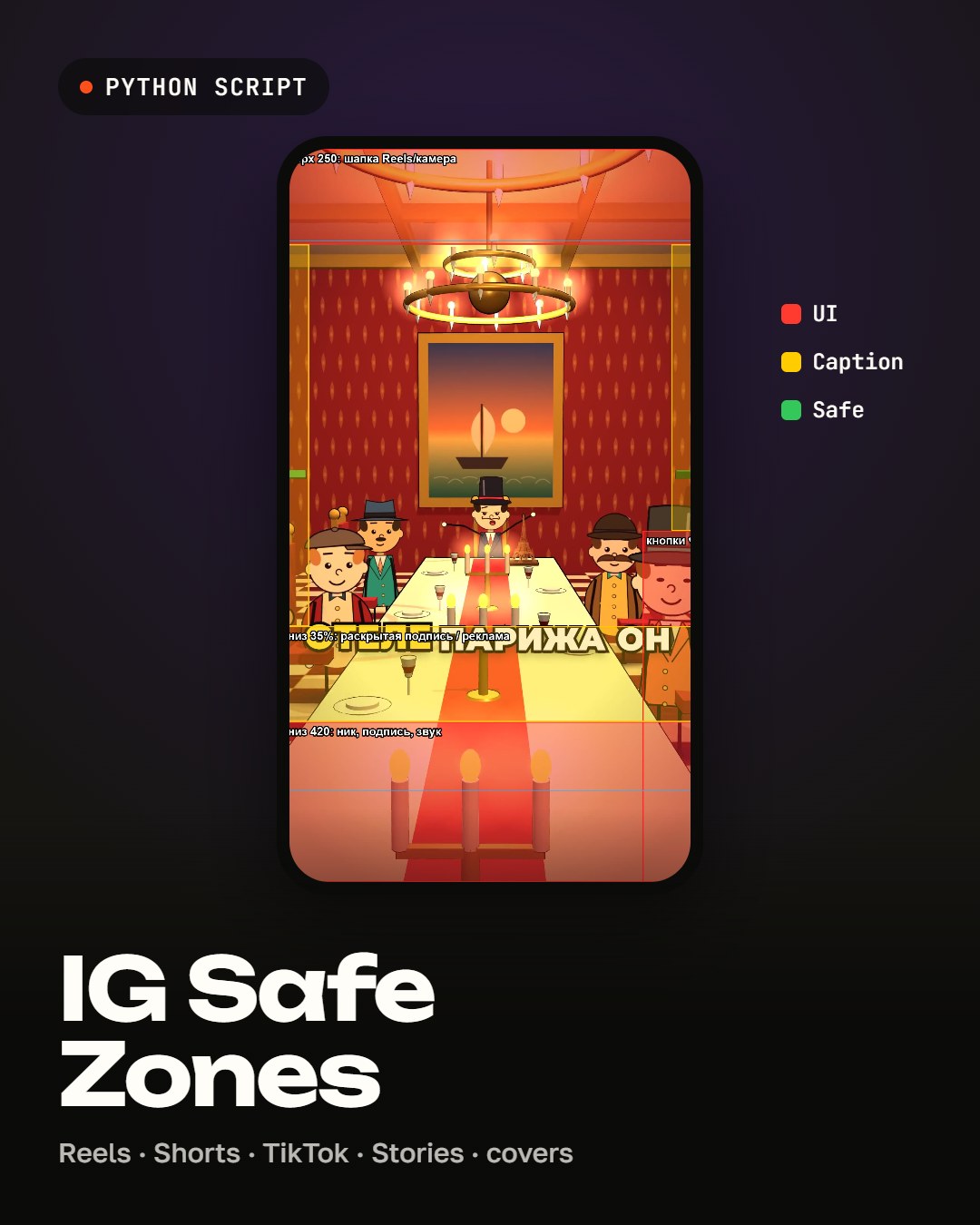
Extensions & utilities
IG Safe Zones — a safe-zone checker for Reels, Shorts and TikTok
A script that shows what in your vertical video or cover will be hidden by the Instagram, YouTube Shorts and TikTok UI: username, caption, buttons, profile grid.