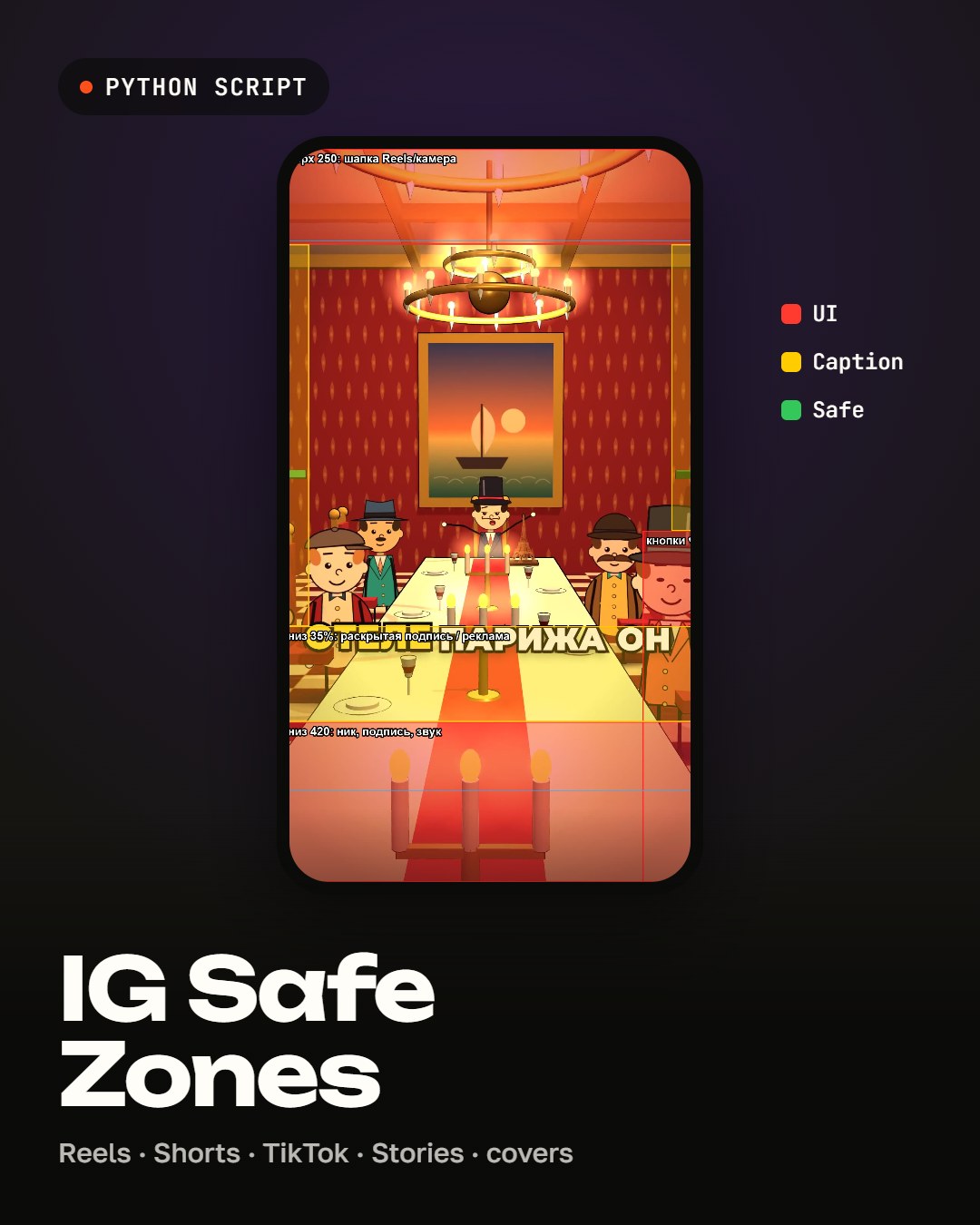
What it does
Text and calls to action often end up under the buttons and caption — and viewers simply never see them. The safezone.py script checks it before you publish:
check video.mp4— grabs frames from the video (evenly or at chosen seconds) and builds a sheet with the zones overlaid: red is under the UI, yellow is under the expanded caption and ad button.image cover.jpg --kind cover— checks a cover: what stays visible in the 3:4 profile grid and the 4:5 feed.overlay— transparent PNG frames for editing (Reels, Stories, cover, post), so you keep the important stuff in the zone right in CapCut, Premiere or Remotion.
The numbers (Reels 1080×1920)
| Zone | Pixels |
|---|---|
| Top | y 0–250 — “Reels”, camera, status bar |
| Bottom | y 1500–1920 — username, caption, audio |
| Right | x 940–1080 when y > 1000 — ♥ 💬 ➤ |
| Key text and faces | x 65–940, y 250–1250 |
| Cover in the 3:4 grid | strip y 240–1680 is visible |
Plus Stories (top 250, bottom 340) and 4:5 posts (the grid crops the edges).
What you get
safezone.py(overlay / check / image commands).- Ready-made frames: reel, story, cover, post.
- A cheat sheet with the zone table and a tip on fitting the foreground into the zone in Remotion.
What you need
- Python 3 with Pillow, ffmpeg (for checking videos).
The honest part
- Meta has no exact official table, and different Meta help pages disagree. This is a conservative summary of guides from Meta Ads, Hopper HQ, Sirency, Adobe and CapCut, checked in November 2026. App interfaces change — the numbers will need updates too.
- The script doesn't fix your video — it shows the problem spots. Moving the text is up to you.
- Labels on the overlay frames are in Russian.
IG Safe Zones — a safe-zone checker for Reels, Shorts and TikTok
More tools

Claude Code skills
flat3d-shorts — cartoon Shorts made in code
A Claude Code skill for viral cartoon Shorts in the “flat sticker characters inside a real 3D world” style — no video AI, everything is code.
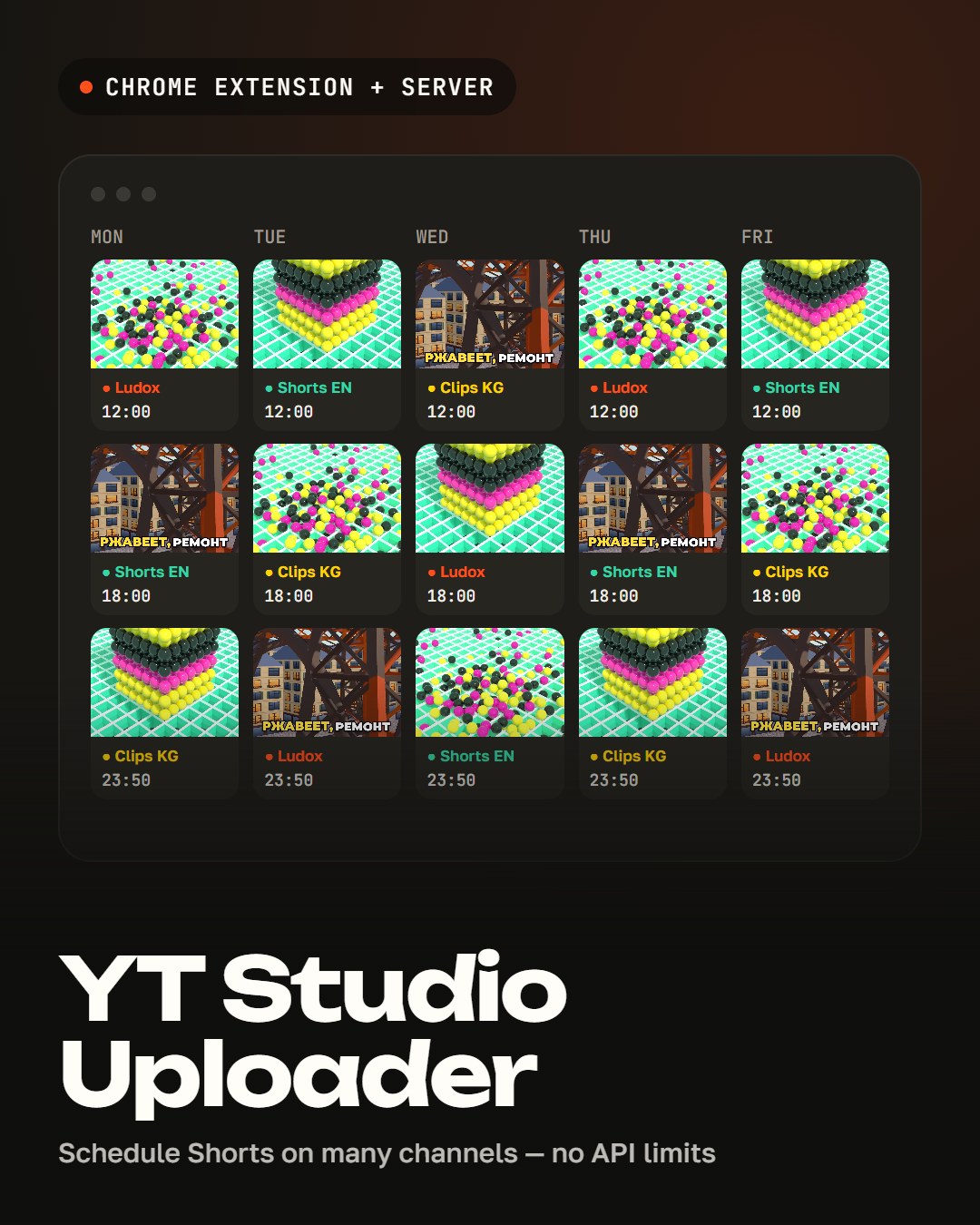
Extensions & utilities
YT Studio Uploader — scheduled uploads to many channels
Chrome extension + local server: upload and schedule videos through YouTube Studio across all your channels and profiles. No YouTube API and none of its limits.
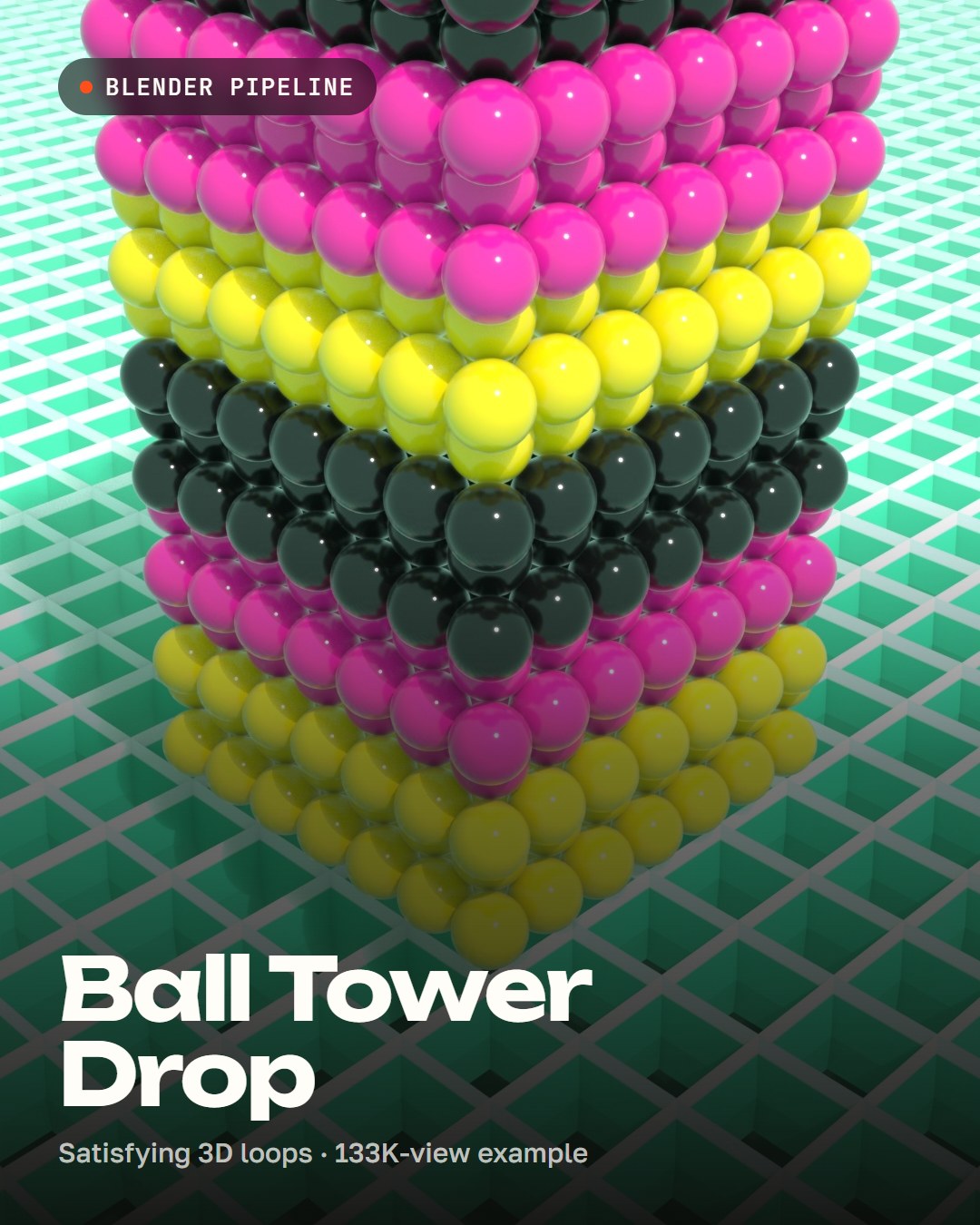
3D pipelines
Ball Tower Drop — a Blender pipeline for satisfying loops
One command — a finished 3D Short: a tower of balls drops onto a grid, seamless loop, original sound. Blender runs headless, no manual work in the UI.